
QStudio Now Open Source – Release 5.01
QStudio 5.0 is now Open Source after 13 years of development!
QStudio remains a fast, modern SQL editor supporting over 30 databases including MySQL, PostgreSQL, DuckDB, QuestDB, and kdb+/q. Version 5.0 continues our focus on performance, analytics and extensibility now with an open community behind it.
🎉 QStudio Is Now Open Source
After 13 years of development, QStudio is now fully open source under a permissive license. Developers, data analysts and companies can now contribute features, inspect the code, and build extensions.
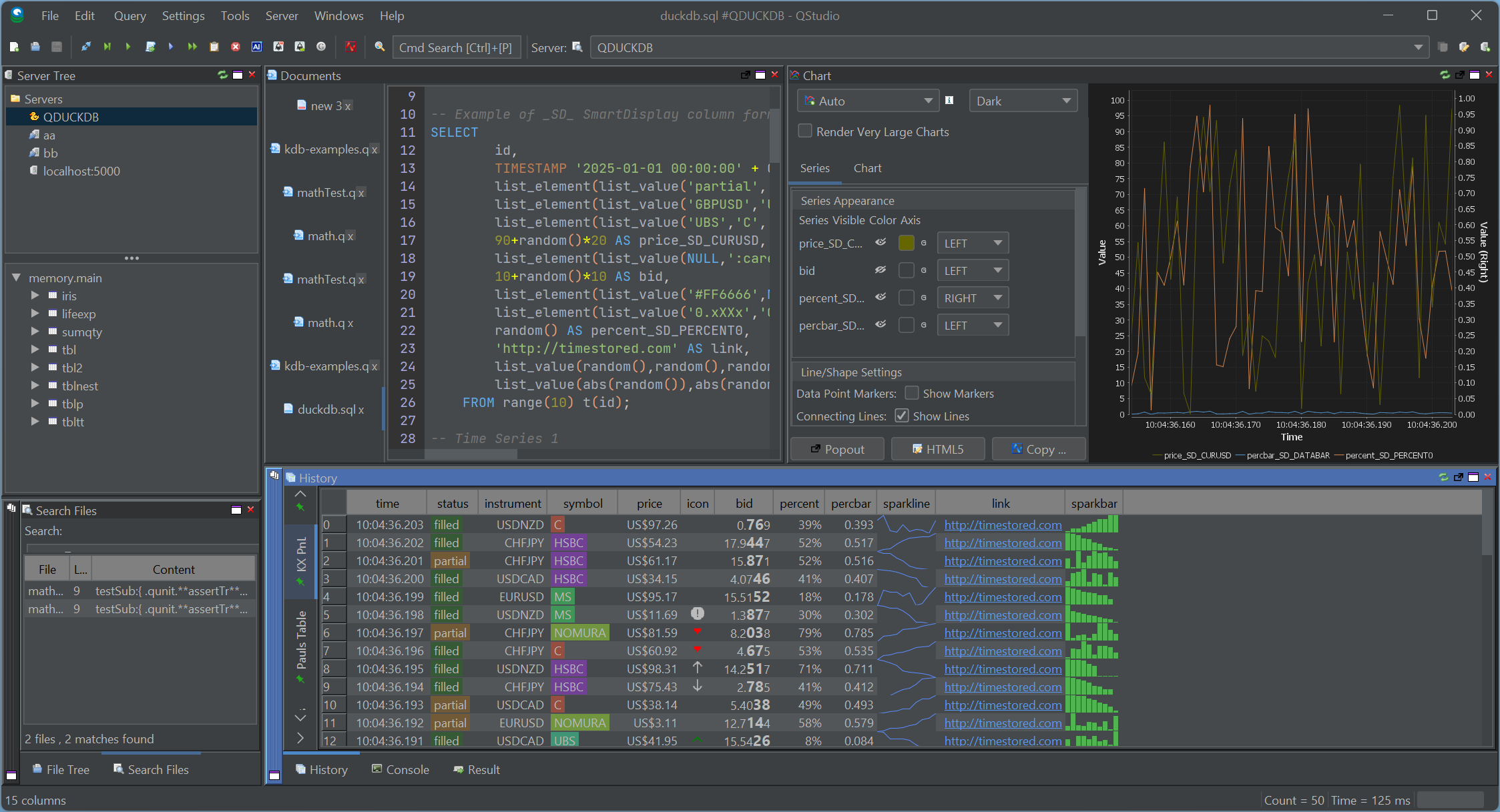
Open Source Without the Fine Print.
No enterprise edition. No restrictions. No locked features. QStudio is fully open for personal, professional, and commercial use.
New Features with 5.0
New Table Formatters, Better Visuals, Better Reporting
 SmartDisplay is QStudio’s column-based automatic formatting system. By adding simple _SD_* suffixes to column names, you can enable automatic number, percentage, and currency formatting,Sparklines, microcharts and much more. This mirrors the behaviour of the Pulse Web App, but implemented natively for QStudio’s result panel.
Spark Lines + Micro Charts

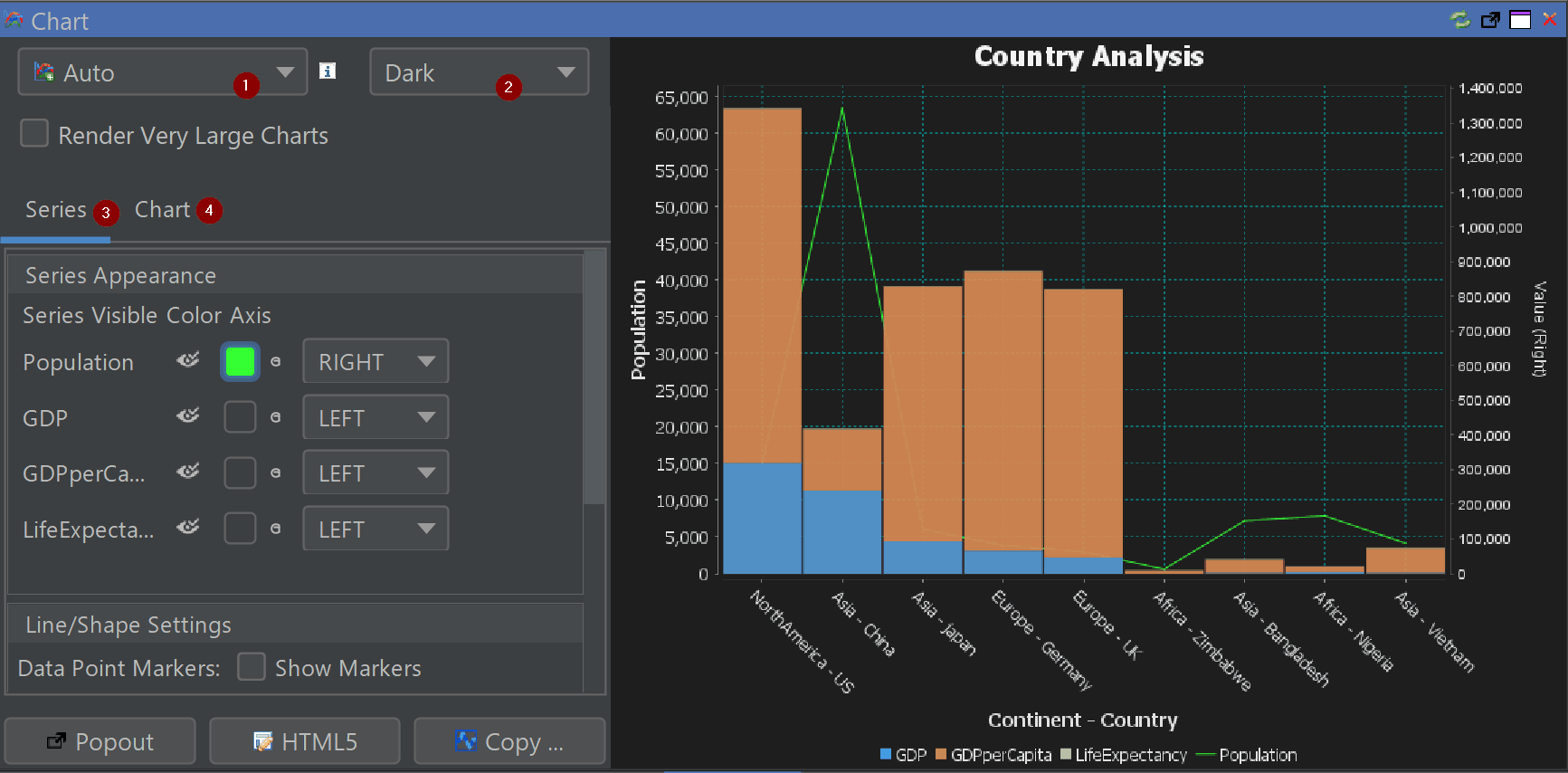
Comprehensive Chart Configuration
Fine-tune axes, legends, palettes, gridlines and interactivity directly inside the chart builder.

Other Major Additions
- Back / Forward Navigation — full browser-like movement between queries.
- Smart Display (SD) — auto-formats tables with min/max shading and type-aware formatting.
- Conditional Formatting — highlight rows or columns based on value rules.
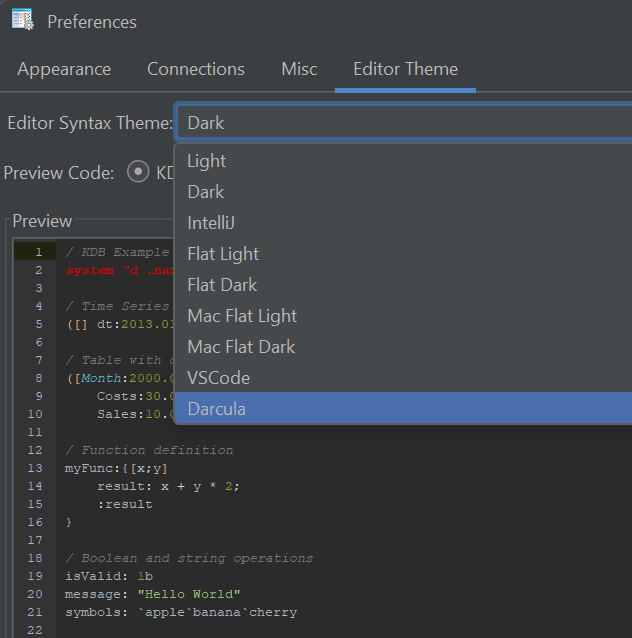
- New Code Editor Themes — dark, light and popular IDE-style themes.
- Extended Syntax Highlighting — Python, Scala, XPath, Clojure, RFL, JFlex and more.
- Improved kdb+/q Support — nested / curried functions now visible and navigable.
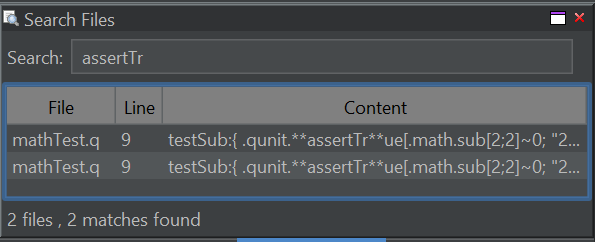
- Search All Open Files (Ctrl+Shift+F)
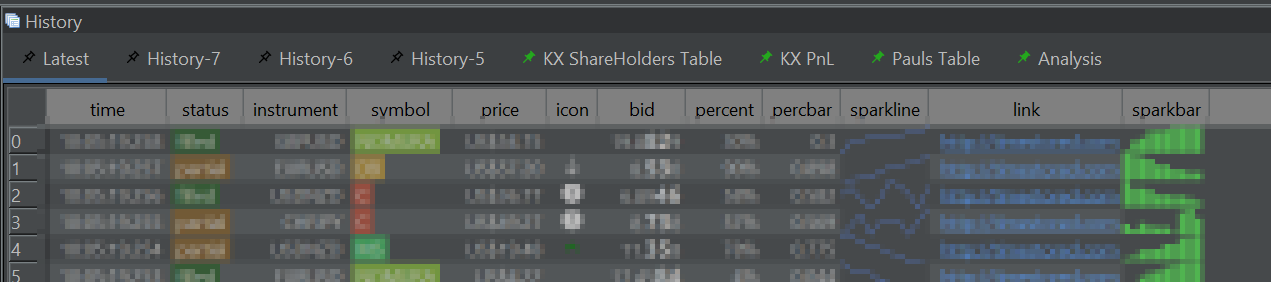
- Navigation Tabs in Query History — with pinning.
- Improved Chinese Translation
- DuckDB Updated to latest engine.
- Hundreds of minor UI and performance improvements
- Legacy Java Removed — cleaner, modern codebase.
Code Editor Improvements
Better auto-complete, themes and tooling for large SQL files.
Pinned Results
Pin results within the history pane for later review or comparison.
Search Everywhere
Control+Shift+F to search all open files and your currently selected folder.
Our History
- 2013–2024: QStudio provided syntax highlighting, autocomplete, fast CSV/Excel export and cross-database querying.
- Version 2.0: QStudio expands support to 30+ Databases.
- Version 3.0: Introduced DuckDB integration, Pulse-Pivot, Improved export options.
- Version 4.0: Introduced SQL Notebooks and modern visuals.
- Version 5.0: Open Source + hundreds of improvements across charts, editing, navigation and data analysis.
We aim to create the best open SQL editor for analysts and engineers. If you spot a bug or want a feature added, please open an issue