Pulse on PeachQ
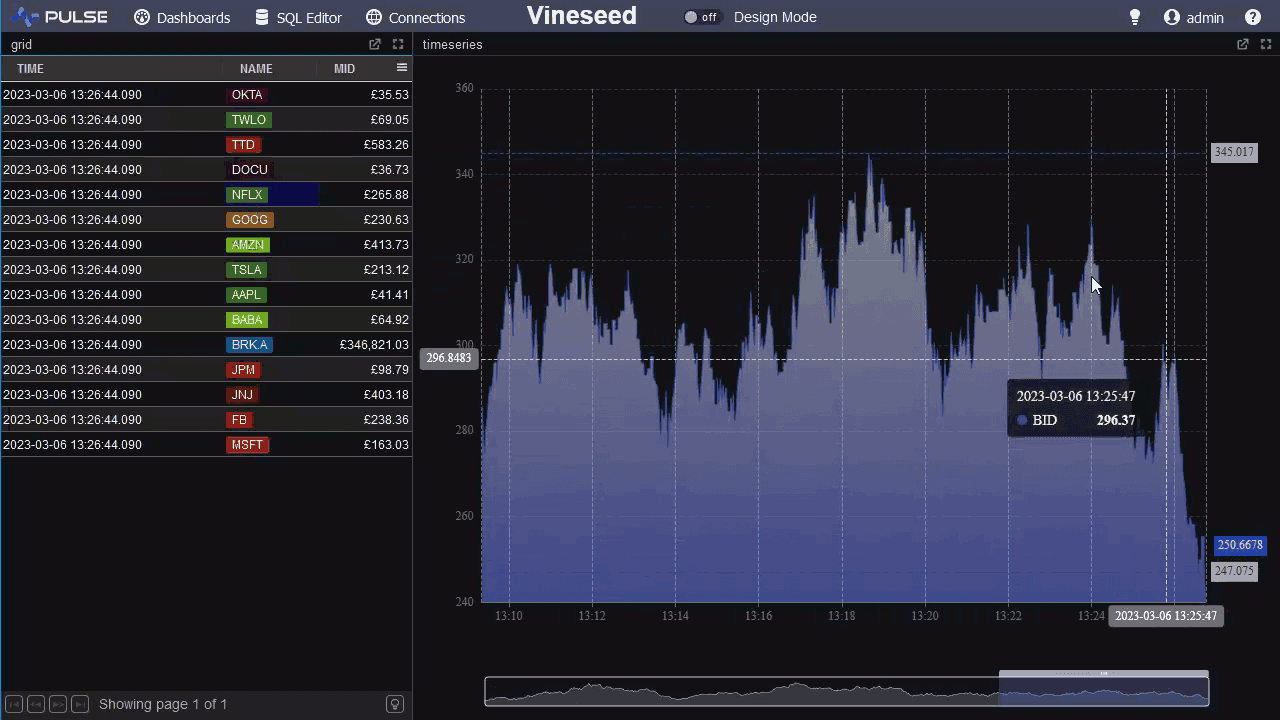
Pulse is a web application for building dashboards and internal tools on top of databases, including q processes. It includes a browser SQL editor with a server tree, result tables and charts, and dashboard components that update from queries or from kdb+ style subscriptions. Pulse is free for up to three users.
Setup
Pulse needs Java 8 or later. Check with java -version.
Start PeachQ listening on a port and create a table, as in qStudio on PeachQ:
./q -p 5000
In a second terminal, download Pulse and start it on port 8080:
curl -fLO https://www.timestored.com/pulse/files/pulse.jar
SERVER_PORT=8080 java -jar pulse.jar
Open http://localhost:8080 in a browser. Windows and Linux packages are on
the Pulse download page, and the
install help covers ports,
login settings, licence keys and running it as a service.
Connect to PeachQ
- Open Connections and choose Add Data Connection.
- Set the type to kdb, the host to
localhostand the port to5000. Leave the username and password empty. - Save. The connection is now available to the SQL editor and to every dashboard.
Query from the browser
Open SQL Editor, pick the PeachQ connection and run:
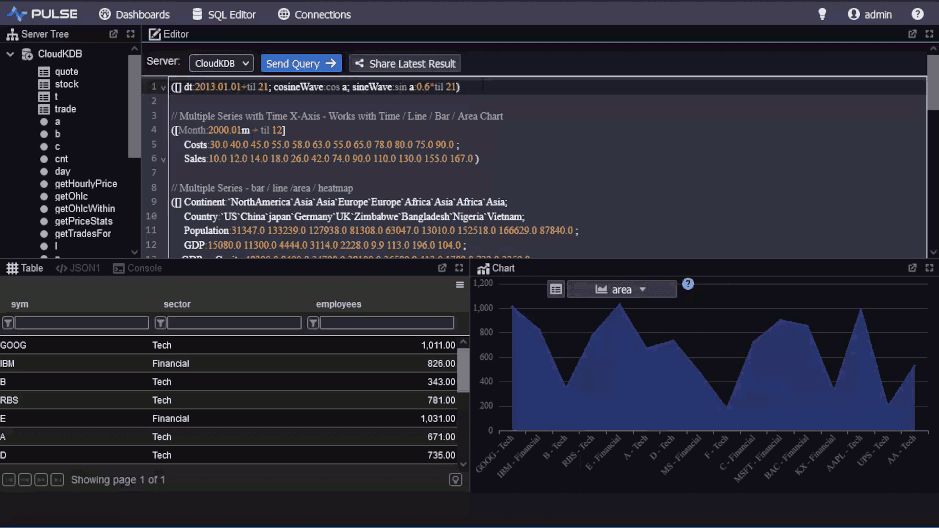
The result appears as a table below the editor, with a chart tab beside it. The server tree on the left lists tables and functions from the process.
Build a dashboard
- Open Dashboards and create a new dashboard.
- Add a Table component and set its query to
select from trade where sym=`AAPL, using the PeachQ connection. - Add a Time Series chart and set its query to
select time,price from trade where sym=`AAPL. Pulse plots numeric columns against the first time column. - Set a refresh interval on each component to poll PeachQ, or leave it static.